ITE 152
Digital & Information Literacy
Build confident tech habits: smart search, ethical AI use, and everyday productivity skills for any major.
FutureWeb classes blend web development, multimedia, and interactivity so students can learn by building real experiences—not just completing tasks.
Across 29 years in IT and 23 years in academic and instructional environments, Dr. Juls Gilliam has helped students move from “following steps” to truly understanding how the web works.
Every course is designed as an experience: visual, hands-on, and grounded in real tools. Students learn to design, debug, reflect, and iterate—building both technical skills and confidence.
Each course is a launchpad into design, multimedia, and interactivity— all grounded in clarity, accessibility, and real-world tools.
Build confident tech habits: smart search, ethical AI use, and everyday productivity skills for any major.
Design cinematic pages with images, audio, video, and motion— culminating in a fully produced multimedia site.
Push into 3D, animation, and advanced motion to craft experiences that feel like interactive film inside the browser.
Go from first HTML tag to polished, responsive sites with Apple-inspired layouts and accessibility built in.
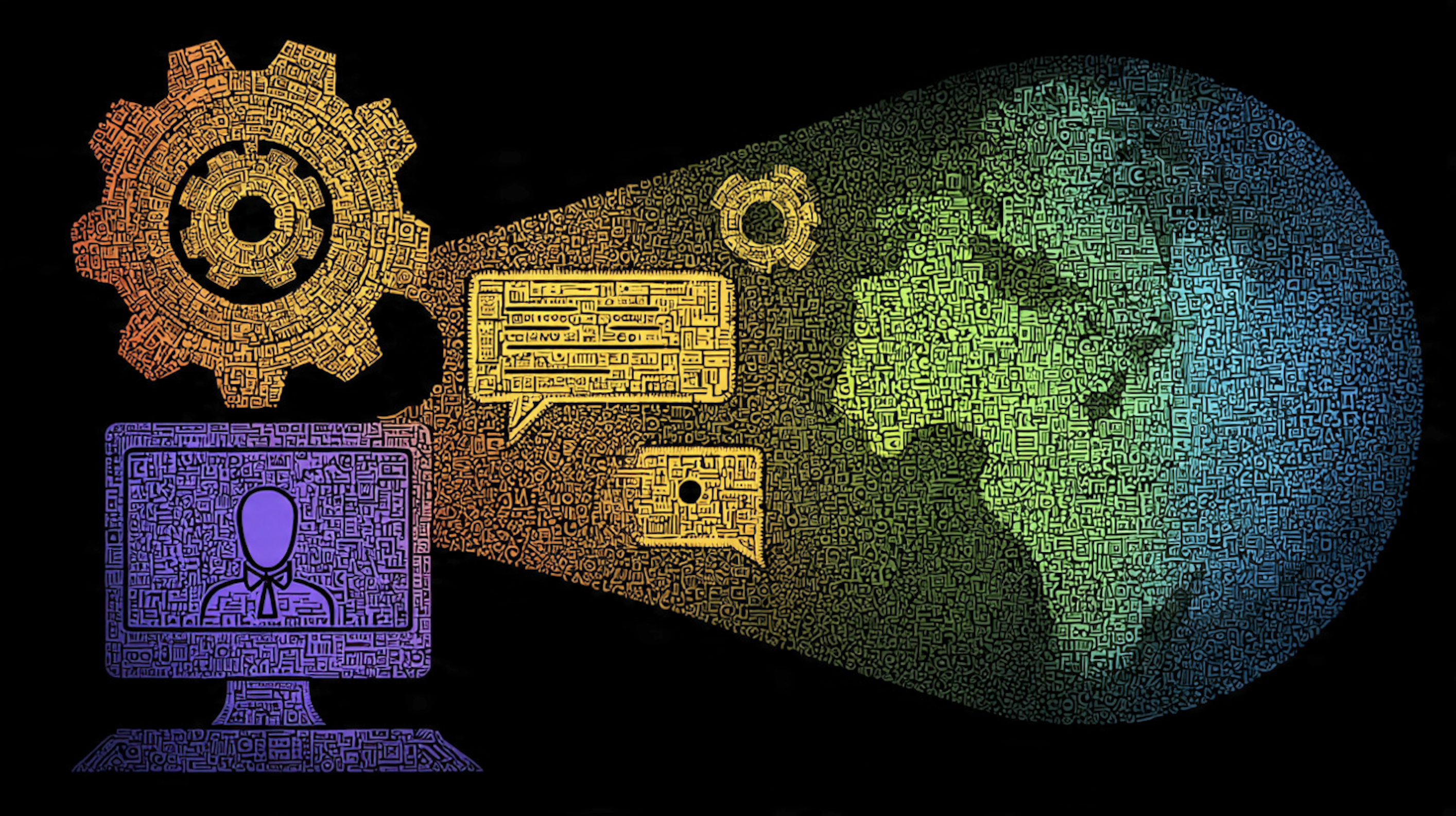
Students learn HTML, CSS, and responsive design by building real sites—using templates, live demos, and iterative feedback rather than abstract examples.

Courses invite students to bring in images, video, audio, and motion graphics—turning the browser into a storytelling canvas that feels cinematic and personal.
From hover states and sliders to 3D scenes and simple game mechanics, students learn how to make their sites feel alive, responsive, and fun.
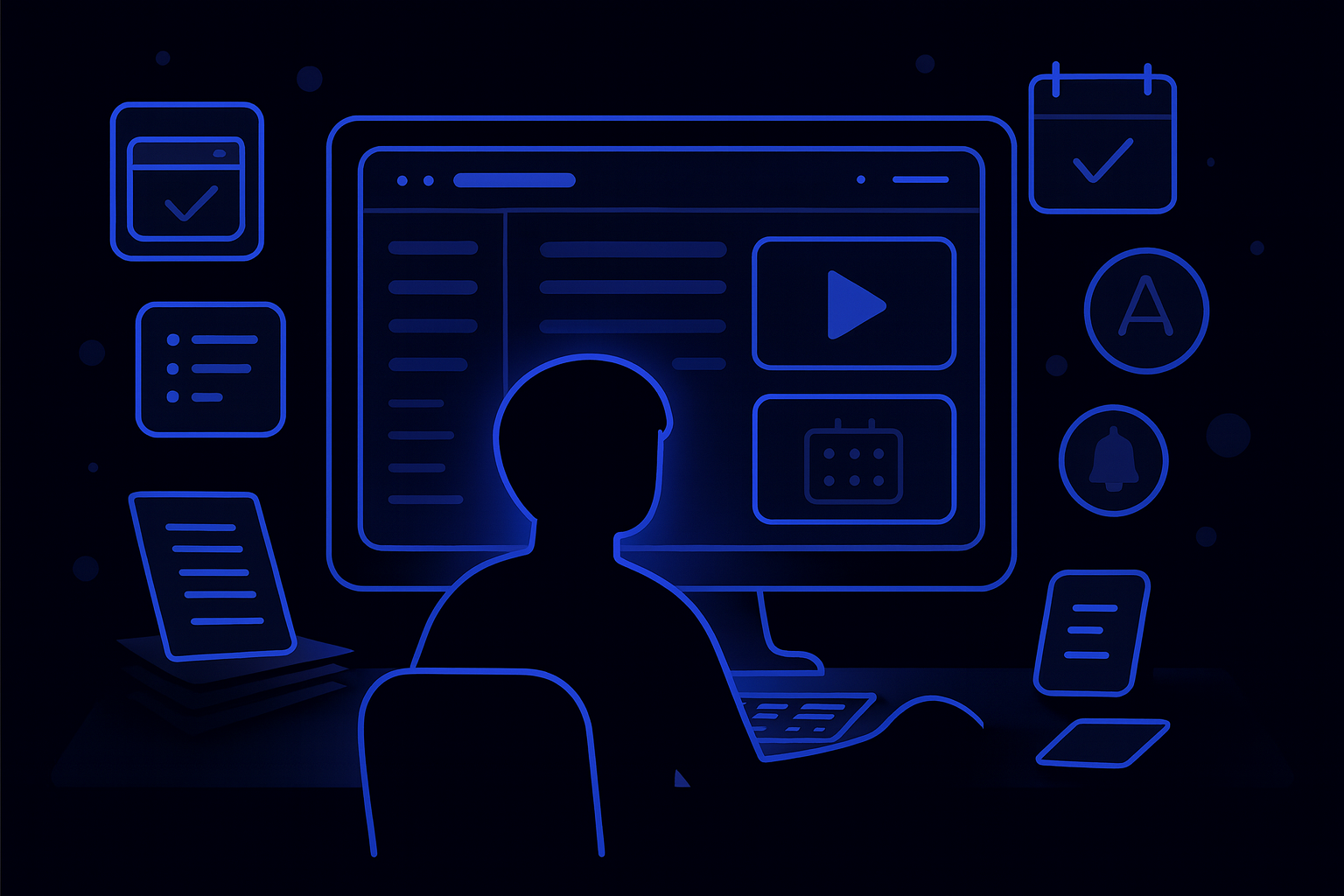
Every page, assignment, and announcement is designed to reduce cognitive overload and increase clarity—so students can focus on creating, not guessing what to do next.
Whether you’re just learning HTML or experimenting with advanced multimedia, the goal is the same: a supportive space to try, revise, and build something you’re proud of.


